
Project Overview
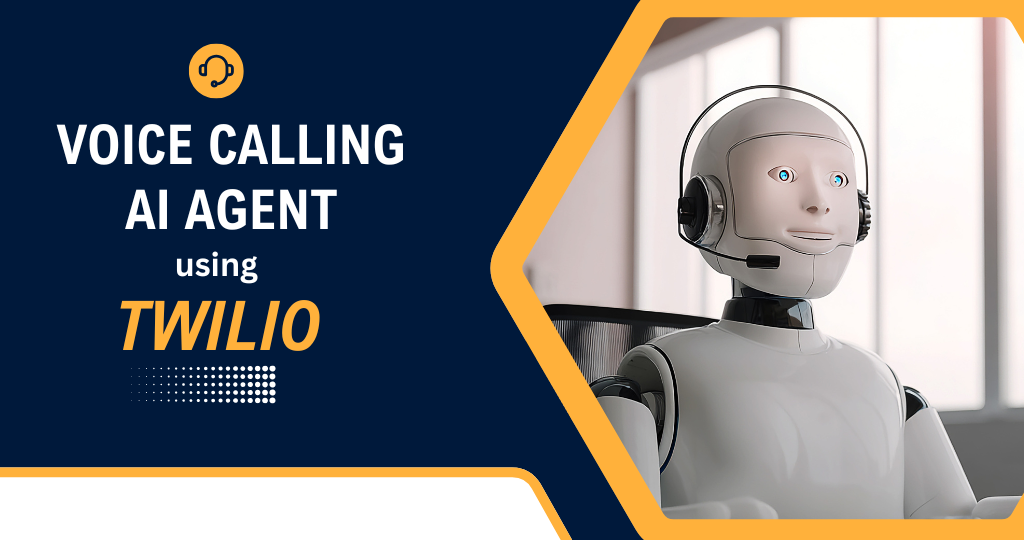
We built an AI-powered voice calling agent using Twilio and n8n that can talk to customers over the phone like a real human – answering questions, collecting information, and handling routine calls automatically.
Instead of staff spending time on repeated phone calls (FAQs, confirmations, reminders, basic support), the client now has an AI agent that picks up calls or makes outbound calls, understands speech, responds with natural voice, and logs everything in their system.
What This Automation Does
1. Smart Inbound Call Handling (AI Picks Up the Phone)
We created a flow where:
- A customer calls the client’s phone number (Twilio number).
- Twilio forwards the call to an n8n webhook / Twilio Function.
- n8n connects the call to an AI voice agent that can:
- Greet the caller with a friendly introduction.
- Ask what they need help with.
- Understand their speech in real-time (speech-to-text).
- Reply with natural, human-like voice (text-to-speech).
Tools Used: Twilio Voice, n8n, OpenAI LLM, Speech-to-Text & Text-to-Speech API, Webhook / Twilio Function
This means:
- No more “missed calls” when staff are busy.
- Callers immediately hear a helpful voice instead of a ringtone or basic IVR.
- The AI can handle a big portion of calls without human involvement.
2. AI Understanding & Dynamic Conversation
The core of the system is an AI agent that actually understands what the caller is saying.
The workflow:
- Converts caller audio → text using speech-to-text.
- Sends the text + conversation history to OpenAI.
- The AI decides:
- What the user is asking (intent: pricing, booking, support, general info).
- What the best next response is.
- n8n then:
- Sends the AI’s reply back to Text-to-Speech.
- Plays it to the caller via Twilio.
The conversation continues in loops until:
- The caller’s request is completed, or
- The AI decides to transfer to a human or end the call.
This gives:
- Natural, back-and-forth conversations – not just button menus.
- The ability to answer open-ended questions, not only fixed options.
3. Use-Case Logic: FAQ, Bookings, Lead Capture & More
We added business-specific logic so the AI does more than just “chat”.
Examples of what the agent can do:
- FAQs & General Info
- Answer questions about:
- Services
- Pricing ranges
- Opening hours
- Locations
- Basic policies
- Answer questions about:
- Lead Capture
- Ask and save caller’s:
- Name
- Phone number (from call)
- Email (spelled out)
- Service of interest
- Store in:
- Google Sheets / CRM / Notion
- Ask and save caller’s:
- Appointments / Bookings
- Check availability via API or Google Calendar integration.
- Propose available time slots.
- Confirm booking and summarize details.
- Order Status / Basic Support
- Ask for order ID / reference.
- Look up data in connected system (Sheet/DB/API).
- Read out status or next steps.
Tools Used: n8n, OpenAI LLM, Google Sheets / CRM / Database, Calendar / Booking API (if used)
This means:
- Calls are not just “talk” – they create real, structured data and actions.
- The client can automate a big portion of their operational calls.
4. Human Handoff for Complex or Sensitive Calls
We made sure that important or complex situations are safely passed to humans.
The workflow:
- Detects when:
- The caller is frustrated or confused.
- The topic involves payments, complaints, or sensitive issues.
- AI confidence is low after a few turns.
- In those cases, the system can:
- Transfer the call to a human number / support line.
- Or ask the caller for permission to:
- Call them back later.
- Or switch to WhatsApp/SMS support.
- Also:
- Sends details of the call (transcript + summary) to the team via:
- Email / Slack / WhatsApp / CRM note.
- Sends details of the call (transcript + summary) to the team via:
Tools Used: Twilio Voice, n8n, OpenAI LLM, Slack/Email/WhatsApp integration
This gives the client:
- Safety and control – AI doesn’t “guess” on critical topics.
- Staff get context before talking to the customer (no need to repeat story).
5. Outbound Call Automation (Reminders & Follow-Ups)
We also enabled the AI agent to make calls, not just receive them.
The workflow can:
- Read a list from:
- Google Sheets / CRM / Database.
- For each contact, trigger a Twilio outbound call:
- Appointment reminders.
- Payment reminders.
- Feedback calls (“How was your experience?”).
- Lead follow-ups.
During the call, the AI can:
- Greet with the customer’s name.
- Confirm information (date, time, service).
- Offer options (reschedule, confirm, ask a question).
- Record customer answers and update them back to the system.
Tools Used: Twilio Voice (outbound), n8n, OpenAI LLM, Google Sheets / CRM
This means:
- Follow-up calls can run automatically in the background.
- Team doesn’t have to manually call every person.
6. Call Logging, Transcripts & Analytics
Every call is logged for transparency and future use.
We store:
- Caller’s phone number.
- Date & time of the call.
- Call direction (inbound/outbound).
- Full or partial transcript (caller + AI).
- AI-generated summary of the call:
- What was the main topic?
- Was it resolved?
- Any follow-up needed?
- Results:
- Lead created / updated.
- Booking done / not done.
- Handoff to human (yes/no).
Storage options:
- Google Sheets
- Notion
- CRM / Database
This gives the client:
- A full history of all AI-handled calls.
- Easy search and review of previous conversations.
- Data for improving scripts, flows, and business decisions.
Impact for the Client
After implementing this AI voice calling agent:
- Phone support and communication became largely automated.
- The client no longer needs to:
- Answer every simple call personally.
- Repeat the same information all day.
- Worry about missing calls outside working hours.
- Customers:
- Get instant responses, 24/7 (if enabled).
- Can speak naturally instead of pressing buttons.
The team now spends more time on:
- Handling complex and high-value cases.
- Improving service and strategy.
- Closing serious leads and solving real problems
while the AI + Twilio + n8n handle the routine phone conversations in the background.
Tags:
You May Also Like
-
Nov 30, 2025
Project Overview We built a WhatsApp automation system that handles incoming messages, FAQs, lead capture, and follow-ups automatically using n8n...
-
Nov 30, 2025
Project Overview We built a Facebook Messenger automation system that handles customer messages, FAQs, lead capture, and basic support automatically...
-
Nov 29, 2025
Project Overview We built an AI email management agent that reads, sorts, and replies to emails automatically – so the...
-
Nov 25, 2025
Project Overview We built an AI-powered customer support chatbot that can chat with customers like a real team member –...
