
Project Overview
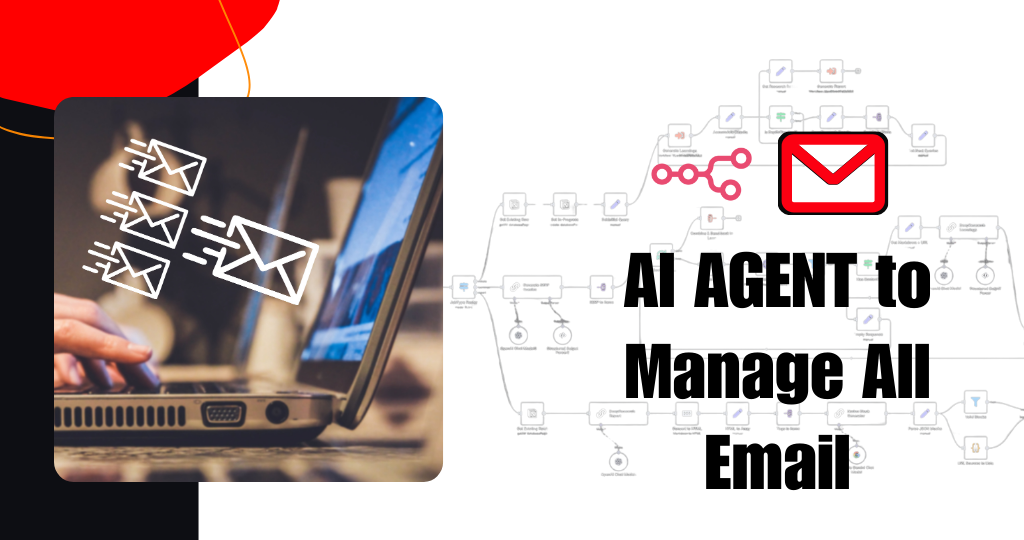
We built an AI email management agent that reads, sorts, and replies to emails automatically – so the client no longer has to manually check and respond to every message.
Instead of spending hours in the inbox, the client now has an n8n-powered AI agent that understands each email, categorizes it, replies when possible, and only escalates important or complex messages to humans.
What This Automation Does
- Central AI Inbox for All Emails
We created a flow where the client:
- Connects their email account (Gmail / Outlook / custom IMAP).
- Optionally defines:
- Important senders (VIP clients, partners, internal team).
- Types of emails (support, sales, inquiries, spam, newsletters).
- Working hours and response rules.
The n8n workflow:
- Listens for every new incoming email.
- Pulls subject, body, sender, and attachments.
- Sends the content to an AI model (OpenAI) to:
- Understand the intent (question, request, complaint, newsletter, spam, etc.).
- Extract key details (name, company, order ID, topic, urgency).
Tools Used: n8n, Gmail/Outlook/IMAP, OpenAI LLM, Google Sheets/Notion/CRM
This means:
- No more manually “checking” the inbox all day.
- All emails go through the same smart AI filter.
- The client sees a clean, organized inbox instead of chaos.
- Smart Categorization & Tagging
We set up automatic categorization so the system knows what each email is about.
The workflow:
- Classifies emails into groups such as:
- Sales lead
- Support request
- General inquiry
- Internal team message
- Newsletter/marketing
- Spam/irrelevant
- Adds tags/labels in the email platform or logs them in a sheet/CRM.
- Highlights:
- High-priority or urgent messages.
- Emails from VIP senders.
This gives:
- Instant visibility of what needs attention.
- Easy filtering by category (e.g. only sales, only support).
- AI Auto-Replies for Common Emails
We trained the AI agent to reply to repetitive or simple emails automatically.
The workflow:
- Detects if an email matches certain patterns or intents like:
- “Can you share pricing?”
- “What are your working hours?”
- “How can I book / register?”
- “Where is your office location?”
- Uses:
- Predefined templates, or
- AI-generated replies based on company guidelines and knowledge.
- Sends a reply email with:
- Clear answer.
- Helpful next steps or links.
- Professional, consistent tone.
For more complex cases:
- The agent drafts a reply and saves it as a “draft” for a human to review before sending.
This means:
- 60–80% of common emails get answered instantly.
- The client does not have to type the same reply again and again.
- Escalation for Important or Sensitive Emails
We made sure important or sensitive messages always get human attention.
The workflow:
- Detects emails that:
- Are from VIP clients.
- Include complaints or negative sentiment.
- Involve money, contracts, or legal topics.
- Are unclear or too complex for safe automation.
- For these emails, the system:
- Does NOT auto-reply (or only drafts).
- Sends alerts to the team (via email / Slack / WhatsApp / Telegram).
- Adds a “needs attention” label in the inbox.
This gives the client:
- Peace of mind that critical emails are not auto-handled blindly.
- Faster human response to high-value or risky messages.
- Data Logging & Inbox Analytics
Every key action by the AI agent is logged.
We store:
- Email details:
- Date/time, sender, subject, category.
- AI actions:
- Auto-replied, drafted, ignored, escalated.
- Response details:
- Reply sent, time taken, outcome status.
This is saved in:
- Google Sheets / Notion / database / CRM (as per client choice).
This gives the client:
- Full transparency of what the AI agent is doing.
- A history of all conversations handled by automation.
- Data for future reports like:
- Number of emails per day.
- Auto-reply rate.
- Average response time.
Impact for the Client
After implementing this project:
- Inbox management became largely automated.
- The client no longer needs to:
- Manually read and triage every email.
- Write the same basic answers repeatedly.
- Worry about missing simple inquiries.
- Response time dropped from hours to seconds for common questions.
- Important emails are highlighted and escalated quickly.
- The team now spends more time on:
- High-value clients
- Complex issues
- Strategy and growth
instead of living inside the inbox all day.
You May Also Like
-
Nov 30, 2025
Project Overview We built a WhatsApp automation system that handles incoming messages, FAQs, lead capture, and follow-ups automatically using n8n...
-
Nov 30, 2025
Project Overview We built a Facebook Messenger automation system that handles customer messages, FAQs, lead capture, and basic support automatically...

-
Nov 25, 2025
Project Overview We built an AI-powered customer support chatbot that can chat with customers like a real team member –...
-
Nov 6, 2025
Project Overview We built an AI-powered voice calling agent using Twilio and n8n that can talk to customers over the...
