
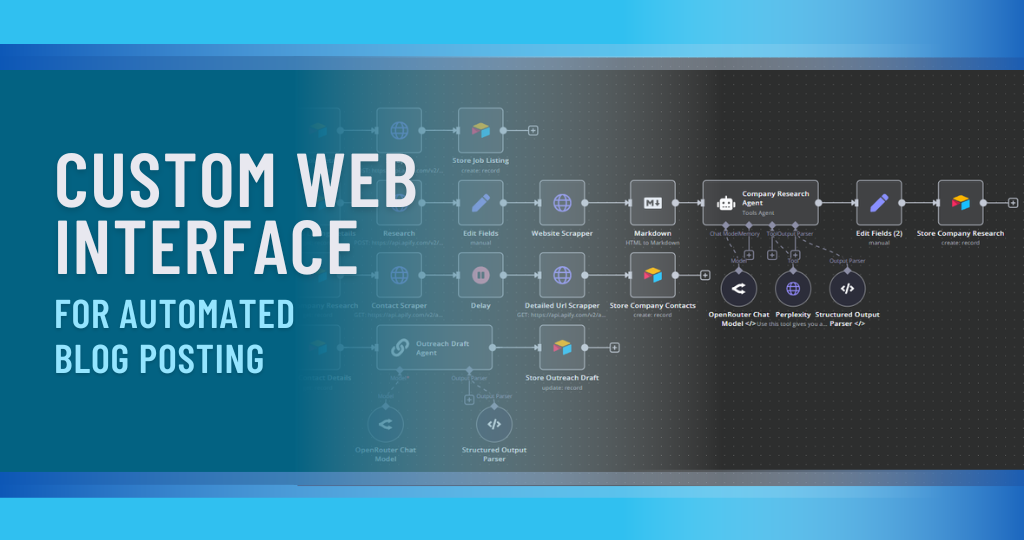
Project Overview
We built a custom web interface that lets the client (or their team) create and manage blog posts in a simple, user-friendly dashboard — and then automatically sends everything to n8n for publishing, SEO optimization, and distribution.
Instead of logging into WordPress/website backend, manually formatting content, and copy-pasting for SEO and social, the client now writes a blog in one place and n8n handles the rest in the background.
What This Automation Does
1. Custom Web Interface for Blog Creation
We created a simple, clean web interface where the client can:
- Log in securely.
- Create a new blog post with:
- Title
- Main content
- Category / tags
- Featured image URL or upload
- Optional meta description / keywords
- Save as:
- Draft or
- Ready to publish
From this interface, when the user clicks Submit, the data is sent directly to n8n via webhook/API.
Tools Used: Custom Web App (React / Vue / Next.js, etc.), n8n Webhook, Backend API (Node/PHP/etc.), Database (MySQL / PostgreSQL / MongoDB)
This means:
- The client doesn’t need to touch the complex website admin panel.
- Anyone on the team can create posts from a simple interface.
- All content is structured and ready for automation.
2. Automated Blog Processing & SEO Optimization (via n8n)
Once the content is submitted from the web interface, the n8n workflow:
- Receives the blog data via webhook.
- Sends the title & content to an AI model (OpenAI) to:
- Improve readability and structure (optional).
- Suggest SEO-friendly:
- Meta title
- Meta description
- Focus keywords
- Slug/URL
- Optionally:
- Generates a short excerpt/summary.
- Suggests internal linking ideas (if we provide existing URLs).
The updated content (original + optimized) is then prepared for publishing.
Tools Used:
n8n, OpenAI LLM, Database / Google Sheets (for logs), Website API
This gives:
- Consistent, SEO-aware blog content.
- Less manual editing and optimization work.
3. Auto Publishing to Website / CMS
After processing, n8n automatically publishes the blog post to the client’s website or CMS.
The workflow:
- Connects to:
- WordPress REST API / custom CMS API / Headless CMS (like Strapi, Ghost, etc.).
- Sends:
- Title
- Content (HTML/Markdown)
- Categories / tags
- Featured image
- SEO fields (meta title, description, slug)
- Status: publish or draft (based on user choice).
- Can also:
- Schedule publishing for a specific date/time (if scheduling is enabled in the UI).
Tools Used: n8n, Website/CMS API, Authentication (API key / OAuth)
This means:
- No more manual copy-paste into WordPress or other CMS.
- Posts are published consistently with all required fields.
- The team can prepare content in advance and let automation handle publish time.
4. Optional Social Sharing & Notification
Once a blog post is published, the same workflow can:
- Create:
- A short social media caption using AI based on the blog.
- Share:
- To Facebook / LinkedIn / Twitter (X) via their APIs or a scheduler.
- Notify:
- The client/team via email/Telegram/Slack with:
- “New blog published”
- Post URL
- Summary/excerpt
- The client/team via email/Telegram/Slack with:
Tools Used: n8n, OpenAI LLM, Social Media APIs, Gmail/Telegram/Slack
This helps:
- Promote every new blog automatically.
- Keep the team informed without manual messaging.
5. Data Logging & Content History
Every step is logged for transparency and tracking.
We store:
- Submitted data from the web interface:
- Title, content, author, date.
- SEO suggestions (meta title, description, keywords).
- Publishing status:
- Draft / Published / Scheduled.
- Website URL of the live blog post.
- Any social post links (if shared).
Storage options:
- Google Sheets
- Notion
- Database / CRM
This gives the client:
- Full history of all blog posts created.
- Easy way to review which posts are published, pending, or drafts.
- Data for future analytics (views, performance, repurposing).
Impact for the Client
After implementing this project:
- Blog posting became simple and centralized through one custom interface.
- The client no longer needs to:
- Log into complicated CMS dashboards.
- Manually handle formatting and SEO fields.
- Copy-paste content to social media after publishing.
- Content creators can focus on:
- Ideas
- Writing quality
- Strategy
while n8n + the web interface handle:
- SEO optimization
- Publishing
- Logging
- Optional social distribution
Overall, blog production and publishing are now faster, more consistent, and less dependent on technical skills.
You May Also Like
-
Nov 30, 2025
Project Overview We built a WhatsApp automation system that handles incoming messages, FAQs, lead capture, and follow-ups automatically using n8n...
-
Nov 30, 2025
Project Overview We built a Facebook Messenger automation system that handles customer messages, FAQs, lead capture, and basic support automatically...
-
Nov 29, 2025
Project Overview We built an AI email management agent that reads, sorts, and replies to emails automatically – so the...
-
Nov 25, 2025
Project Overview We built an AI-powered customer support chatbot that can chat with customers like a real team member –...
