
Project Overview
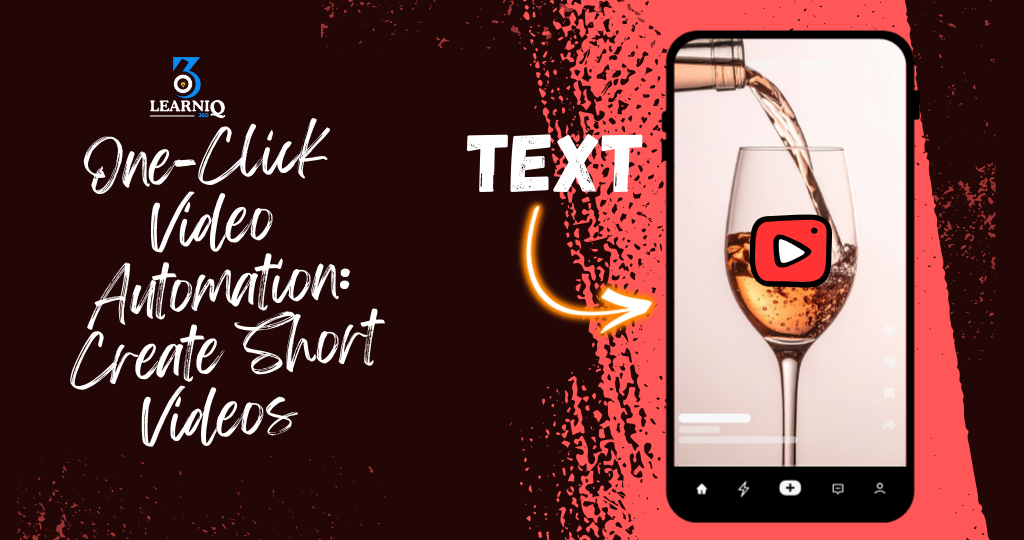
We built a one-click video automation system that turns simple text ideas into ready-to-post short videos for social media – without manual editing.
Instead of opening CapCut/Premiere, searching for clips, adding text, and exporting manually, the client now creates short videos from a single input (like a Google Sheet row or a form), and n8n + AI does the rest in the background.
What This Automation Does
- One-Click Short Video Generation from Text
We created a flow where the client:
- Writes a short script, hook, or idea once (in Google Sheets / internal form / Notion).
- Optionally adds:
- Topic or niche (e.g. “business tips”, “motivation”, “travel”)
- Preferred video length (e.g. 15s, 30s, 45s)
- Platform (TikTok / Reels / Shorts)
- Style (subtitles only / B-roll + subtitles / talking-head style)
The n8n workflow:
- Sends the text to OpenAI to:
- Rewrite it into a catchy short-video script (hook → body → CTA).
- Add on-screen text / subtitle lines.
- Passes the script to a video tool (e.g. Blotato / external video API) to:
- Auto-generate a short vertical video.
- Add subtitles and basic transitions.
- Match visuals to the script (stock footage / templates).
- Returns:
- A downloadable video link.
- Ready-to-post file for TikTok / Instagram Reels / YouTube Shorts.
Tools Used: n8n, OpenAI LLM, Google Sheets / Notion, Blotato (or similar video API), Cloud storage (e.g. Google Drive)
This means:
- No need to open any video editor.
- No more manual rendering and exporting.
- The client can generate multiple videos in a batch with one click.
- Auto Branding & Video Formatting
We added automatic branding so every video looks consistent with the client’s identity.
The workflow:
- Automatically applies:
- Brand colors for text and lower thirds.
- Logo watermark in a fixed position.
- Default font style and size.
- Ensures:
- Correct aspect ratio (9:16 for vertical short videos).
- Safe margin for text so it’s not hidden by app UI.
- Duration fits platform limits (e.g. under 60 seconds).
This gives:
- Professional, consistent-looking videos.
- No need to manually set branding for each video.
- Platform-Optimized Captions & Hashtags
Along with each video, the system also prepares content for posting:
- Generates:
- Video title or hook for the caption.
- A short description.
- Relevant hashtags based on topic and platform.
- Allows:
- Custom CTAs like “Follow for more tips”, “Comment ‘INFO’ for details”, etc.
- Saves:
- Final caption + tags back into Google Sheets / Notion with the video URL.
This helps the client:
- Post faster without thinking about captions each time.
- Maintain consistent messaging and CTAs.
- Optional Auto Posting or Scheduling
If the client wants, the system can go one step further:
- n8n takes the generated video + caption and:
- Sends it to social media scheduling tools or directly to platforms (where supported).
- Supports:
- Instant publishing.
- Scheduled posting (e.g. every day at 8 PM).
- Status is logged:
- “Video generated”
- “Queued for posting”
- “Published”
Tools Used: n8n, Social media APIs / schedulers, Google Sheets / Notion
This means:
- The client can move from “idea → live short video” with almost no manual work.
- Perfect for daily or high-frequency content.
- Data Logging & Tracking
Every important step is tracked:
- Input data:
- Original idea/script.
- Target platform and style.
- Output data:
- Video URL.
- Generated caption + hashtags.
- Time of generation.
- Posting data (if enabled):
- Where and when the video was posted.
- Post URL.
We store this in Google Sheets / Notion / database according to client preference.
This gives the client:
- A full history of every video generated.
- Easy way to reuse or repost high-performing videos.
- Data that can be connected to analytics later.
Impact for the Client
After implementing this project:
- Short video creation became almost fully automated from a simple text idea.
- The client no longer needs to:
- Spend hours editing videos.
- Manually add subtitles and branding.
- Write new captions and hashtags every time.
- They can now consistently publish:
- Daily or even multiple videos per day.
- Result:
- Faster content production.
- More consistent presence on Reels / TikTok / Shorts.
- The team focuses on:
- Strategy
- Ideas
- Quality topics
instead of repetitive video editing and formatting.
Tags:
You May Also Like

-
Nov 30, 2025
Project Overview We built a WhatsApp automation system that handles incoming messages, FAQs, lead capture, and follow-ups automatically using n8n...
-
Nov 30, 2025
Project Overview We built a Facebook Messenger automation system that handles customer messages, FAQs, lead capture, and basic support automatically...

-
Nov 29, 2025
Project Overview We built an AI email management agent that reads, sorts, and replies to emails automatically – so the...

-
Nov 25, 2025
Project Overview We built an AI-powered customer support chatbot that can chat with customers like a real team member –...
